01 — CHOOSE
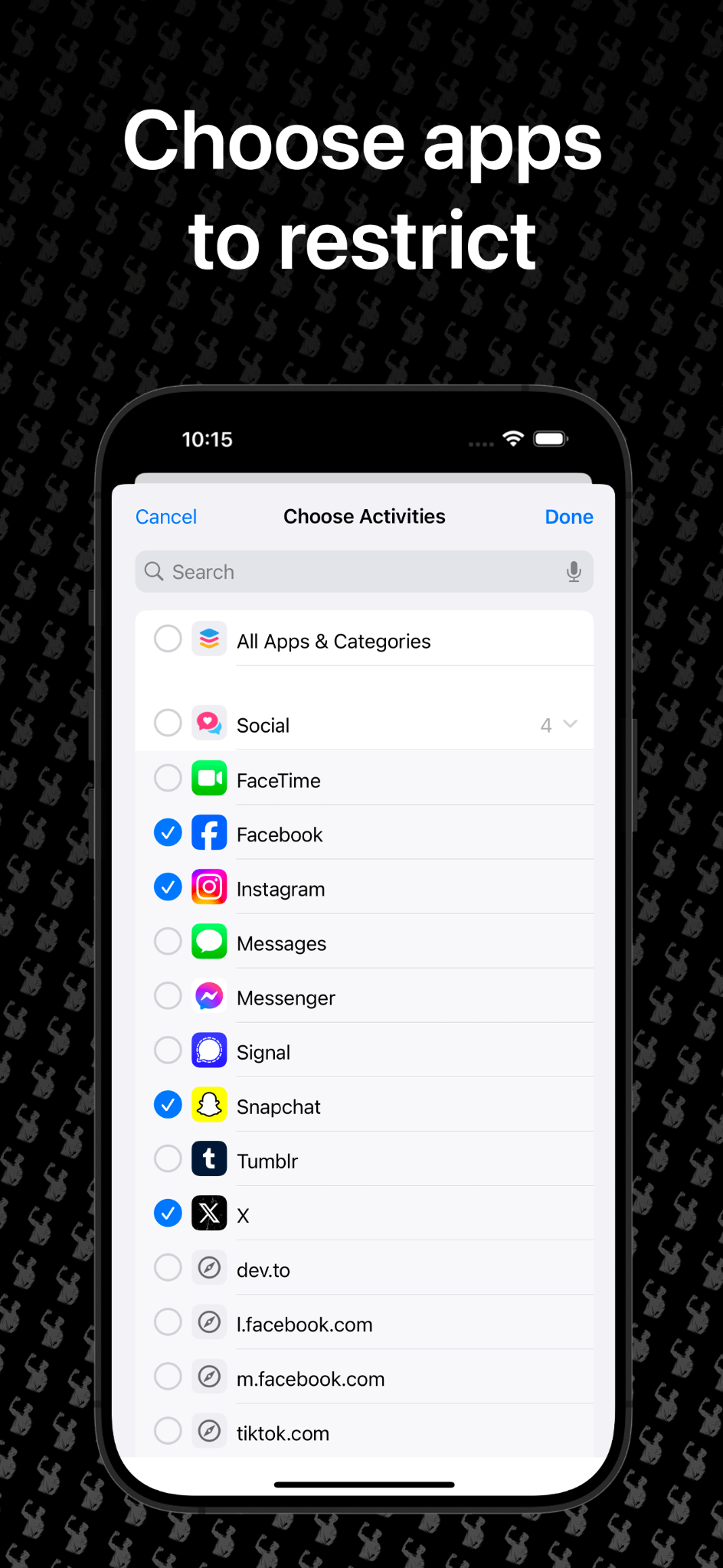
Pick apps to restrict.
Select the distracting apps or websites you want Fit to Scroll to control.
Fit to Scroll is an iPhone app blocker that turns exercise into screen time. Earn minutes through push-ups, squats, planks, daily fitness goals and more — then spend those minutes to unlock the apps you choose.
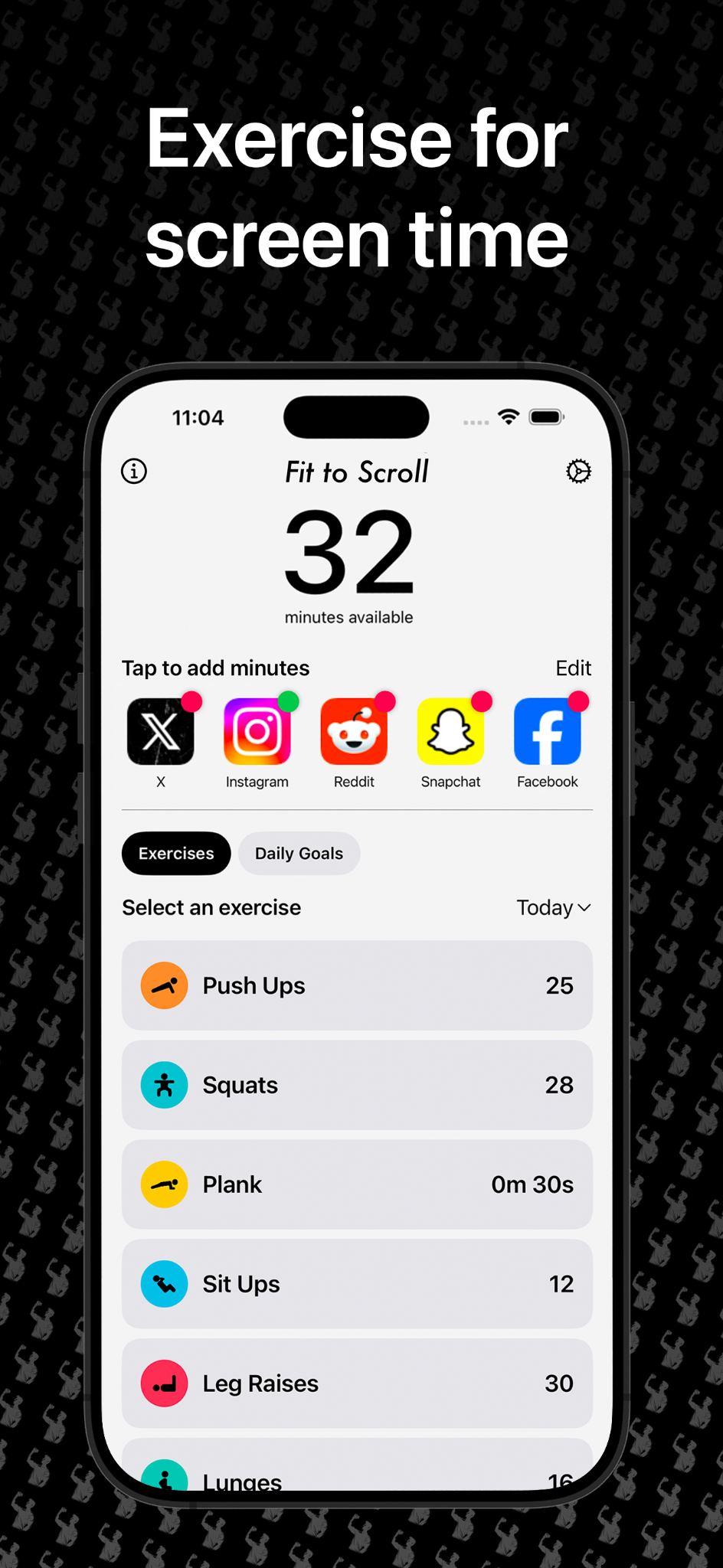
Instead of another screen-time warning you can dismiss, Fit to Scroll changes the exchange: movement earns access.
Select the distracting apps or websites you want Fit to Scroll to control.
Complete exercises or reach your configured fitness goals to build up available screen time.
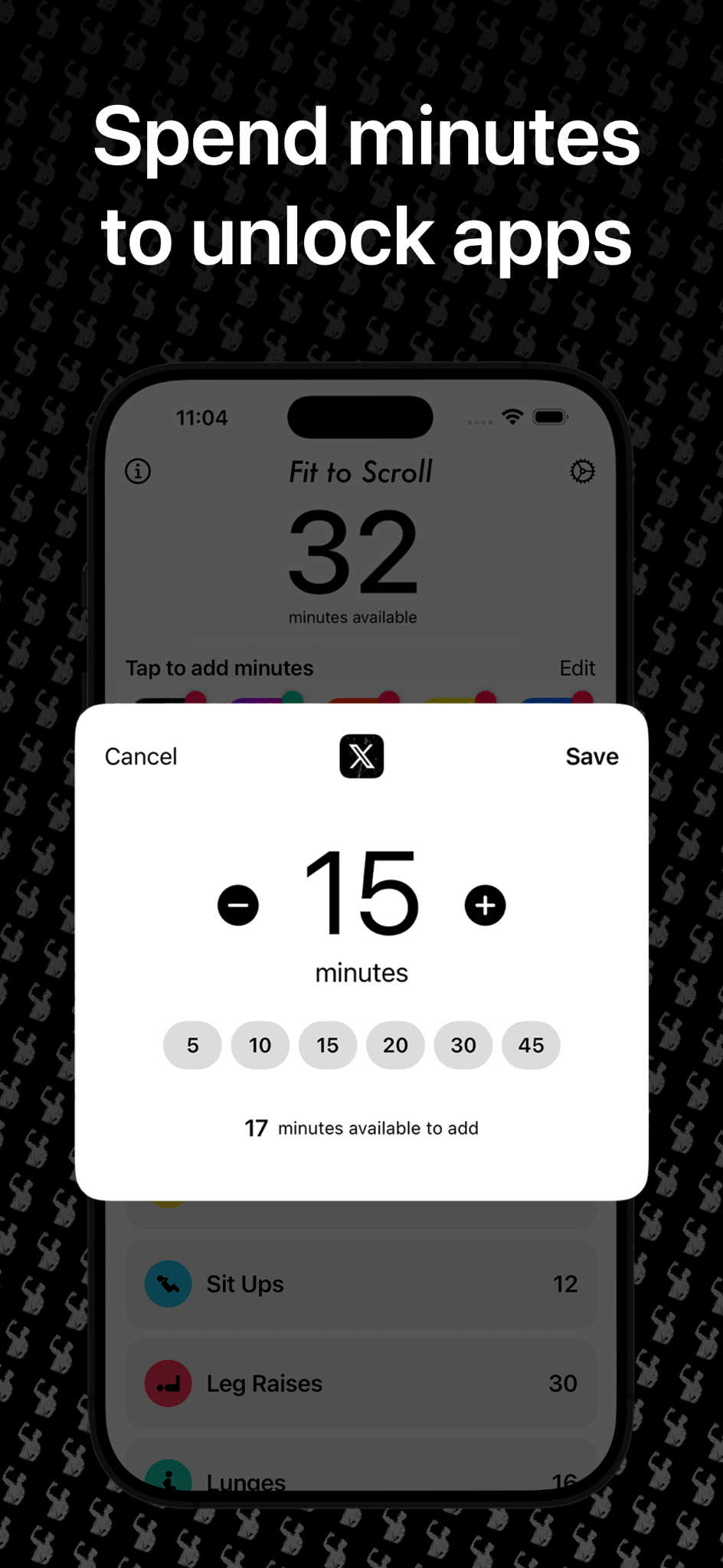
Choose how many earned minutes you want to spend when you're ready to use an app.
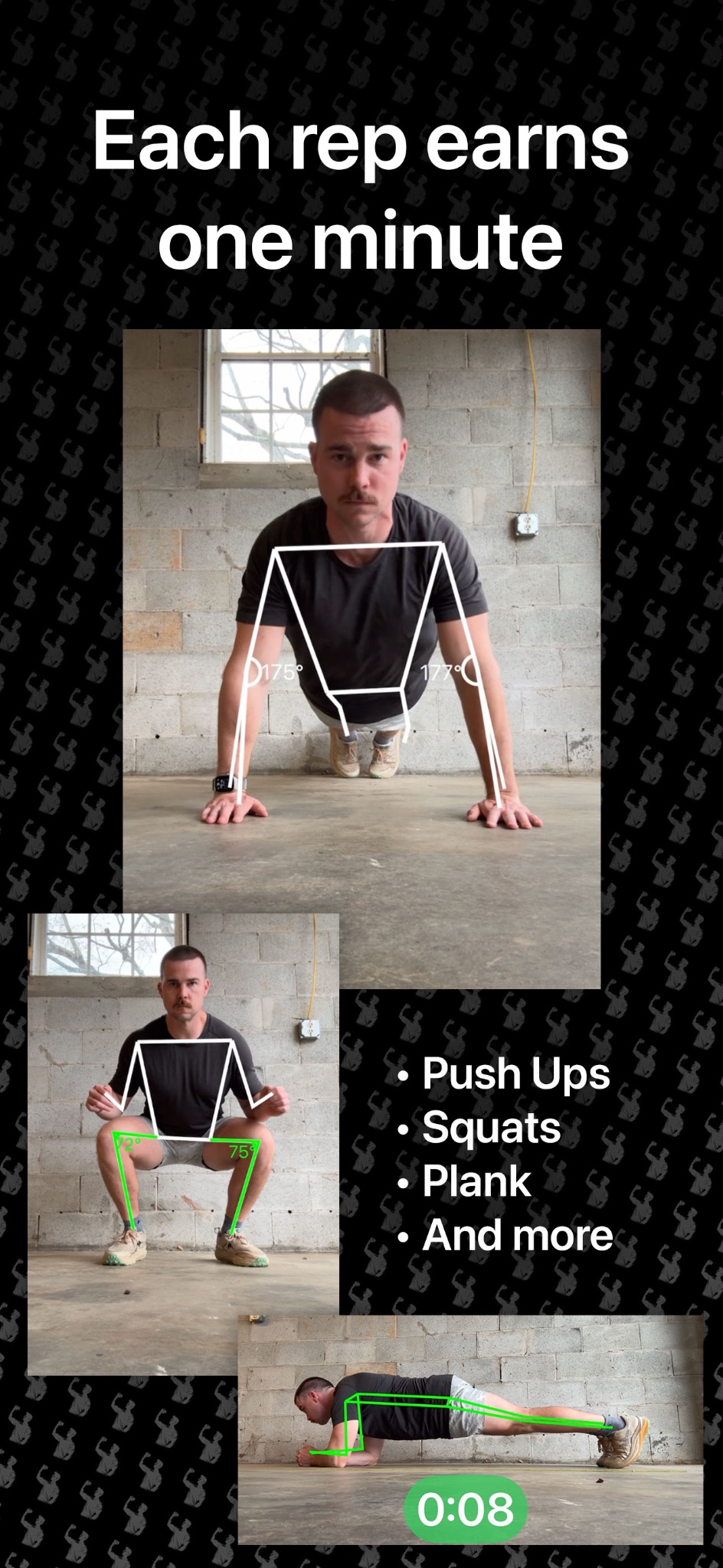
Use your iPhone camera while you exercise. Fit to Scroll tracks supported bodyweight movements so your workout becomes the thing that earns access to your distracting apps.
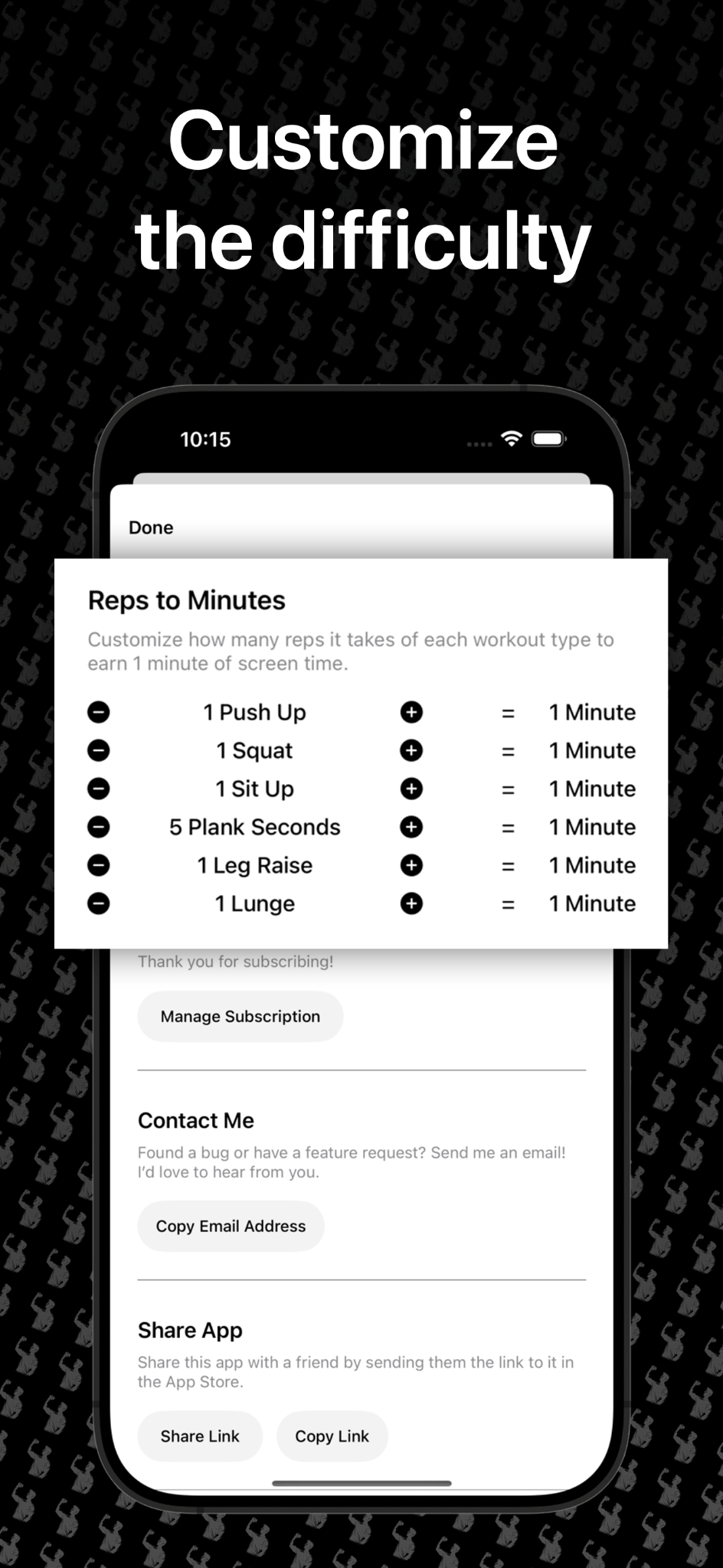
Customize how many reps or plank seconds it takes to earn one minute. You decide whether one push-up earns a minute or whether you need to work harder for it.
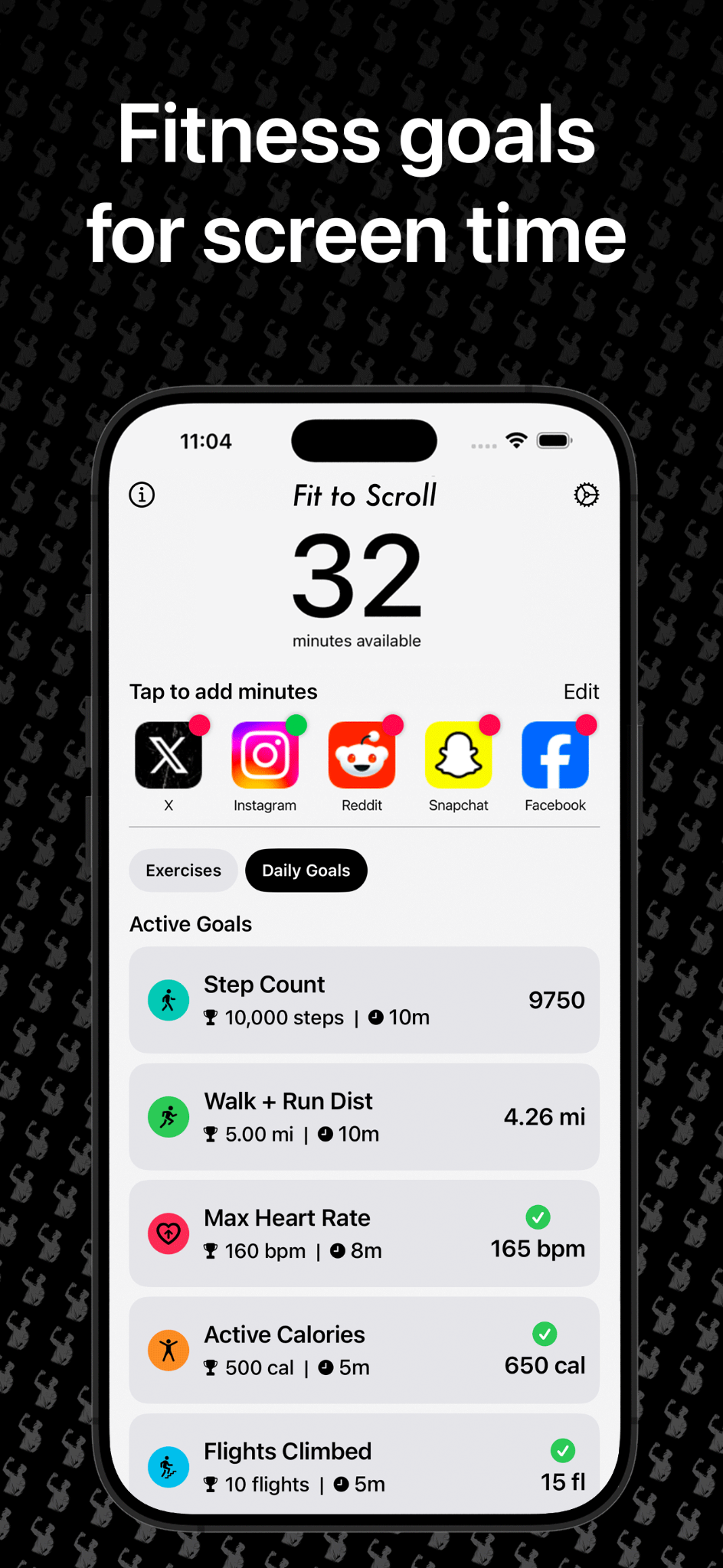
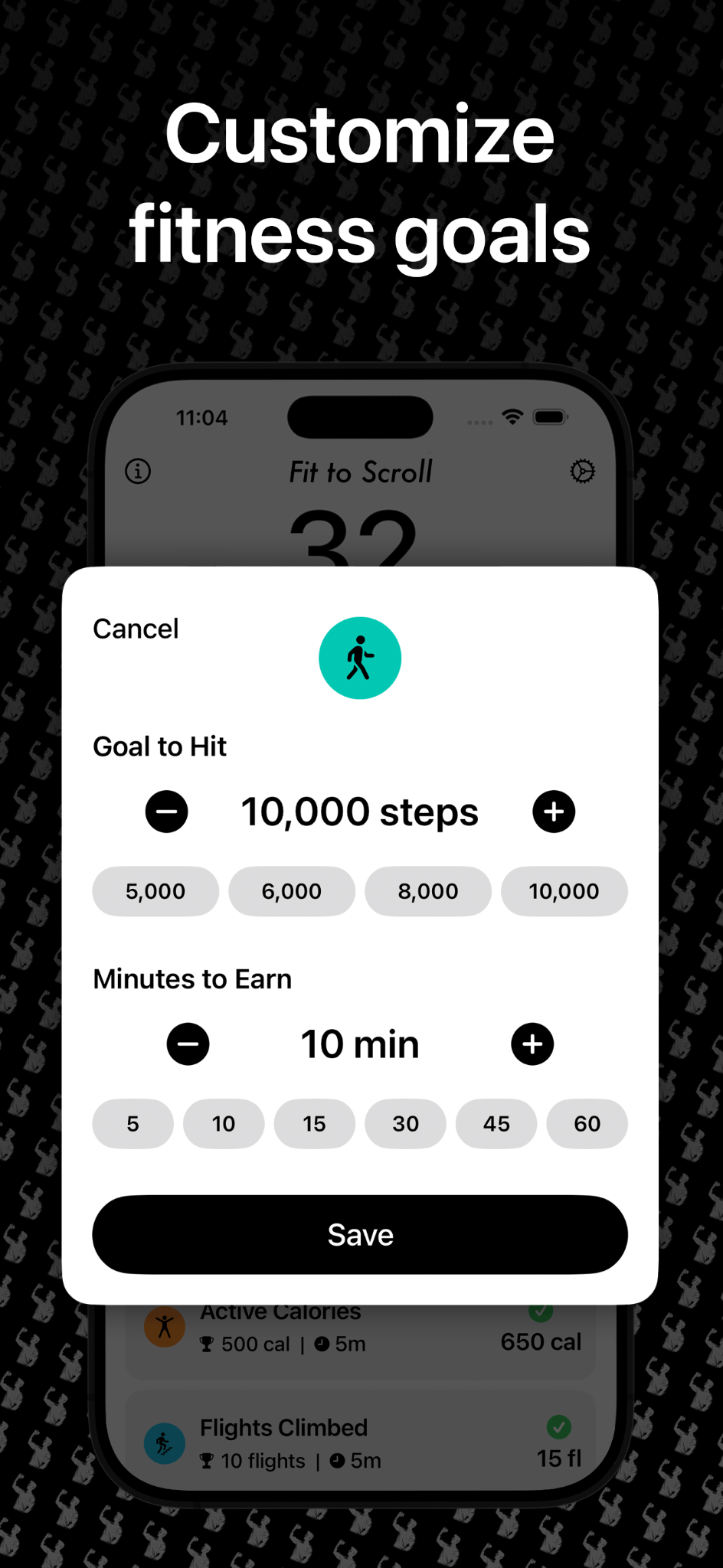
Exercise reps aren't the only option. Fit to Scroll can also turn configurable daily fitness goals into screen-time rewards.
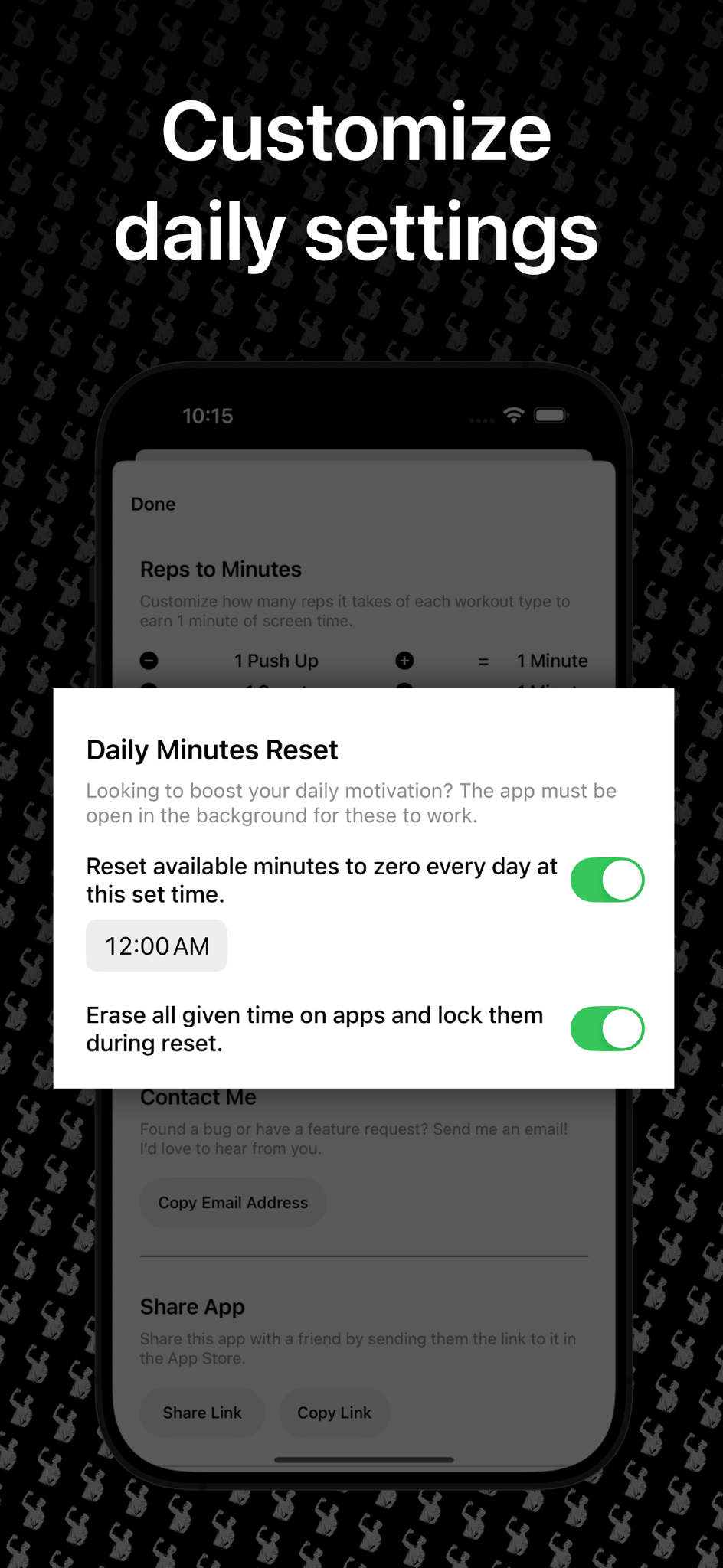
Choose what gets restricted, decide how difficult earning time should be, set fitness goals, and control how earned minutes reset.
Fit to Scroll adds friction between the impulse to open a distracting app and actually getting into it. The price isn't money — it's movement.
Whether you call it doomscrolling, phone addiction or just opening Instagram too often, the mechanism is the same: make movement happen before scrolling.
Earn minutes through exercise, then spend them when you want access.
Add a physical step before the apps you tend to open automatically.
Replace a dismissible warning with an earn-and-spend system.
Use configurable fitness goals to turn everyday activity into screen-time rewards.
These are also the kinds of questions people ask search engines and AI assistants when they're looking for an app like Fit to Scroll.
Yes. Fit to Scroll lets you restrict selected apps, earn screen-time minutes through exercises or fitness goals, and spend those minutes to unlock the apps you choose.
Yes. Fit to Scroll supports camera-based exercise tracking for movements including push-ups, squats, planks, lunges, sit-ups and leg raises.
Yes. You can customize the exercise-to-screen-time difficulty, including how many reps or how many plank seconds are required to earn one minute.
Yes. Fit to Scroll lets you choose the apps and supported activities you want to restrict rather than blocking your whole phone.
Yes. You can configure goals such as step count, walking and running distance, active calories, heart rate and flights climbed to award screen-time minutes.
Fit to Scroll includes daily reset settings so you can control when available minutes reset and whether given app time is erased during that reset.
Move a little more. Scroll a little less. Keep the apps you like — just stop opening them for free.
Download Fit to Scroll ↗